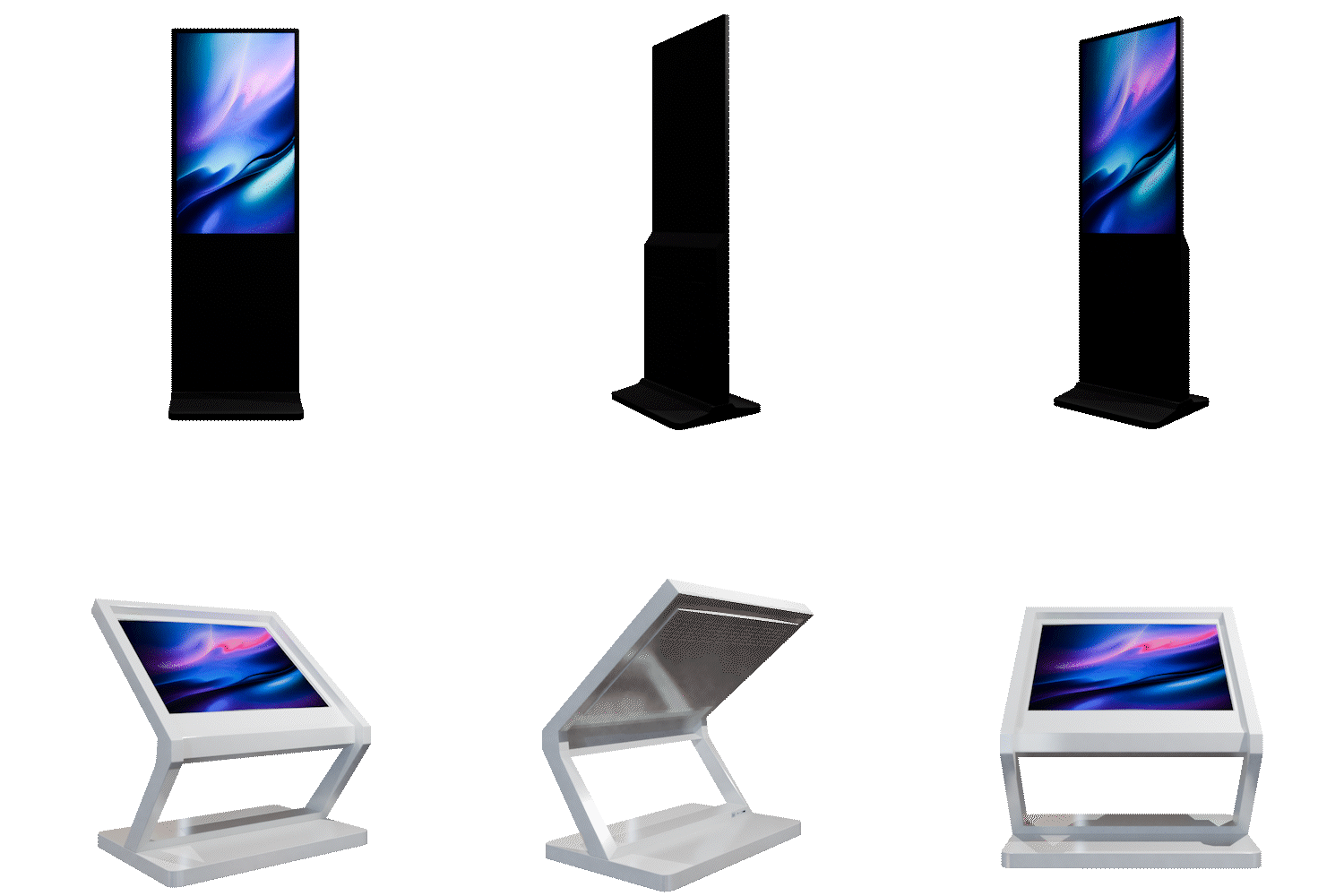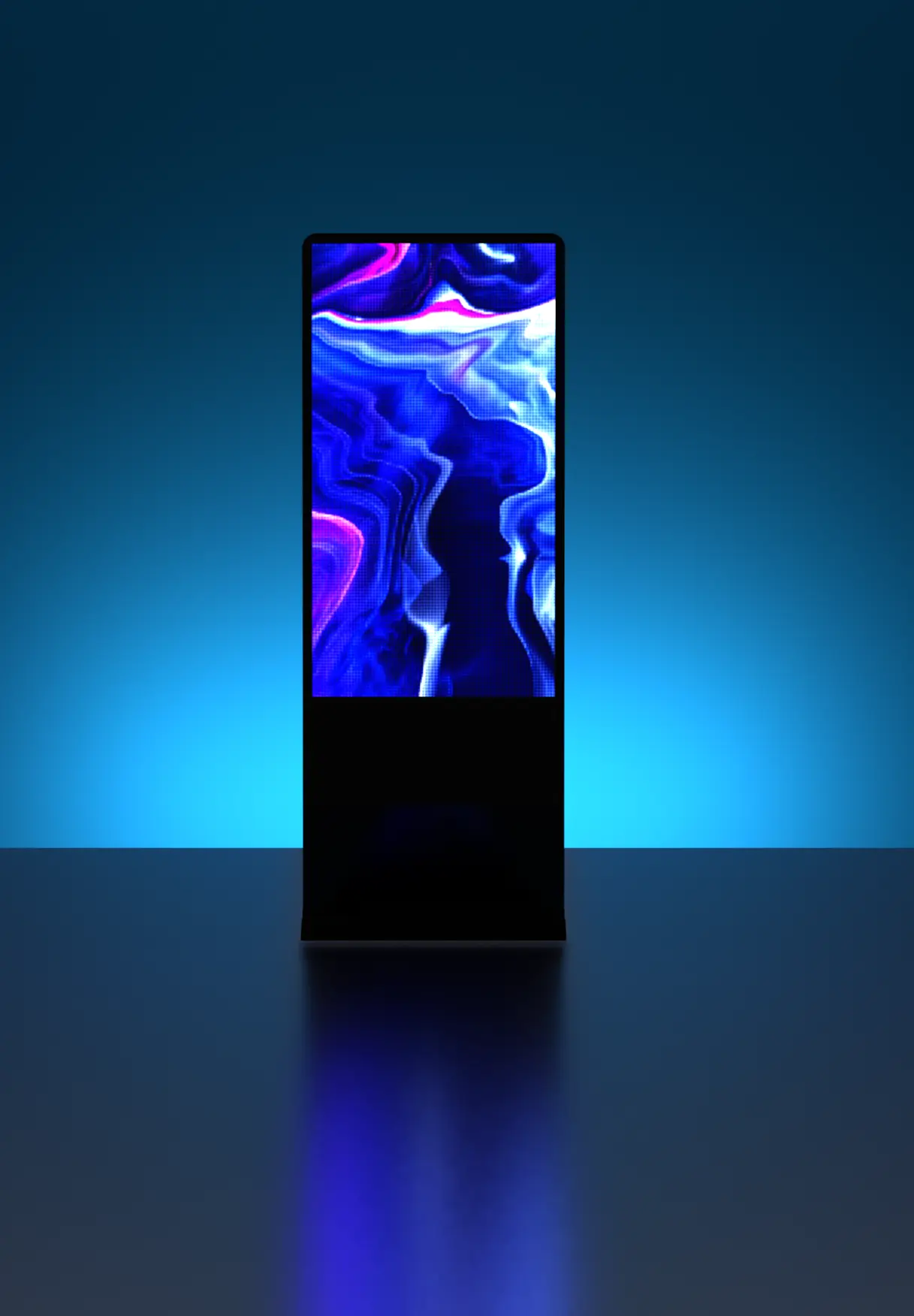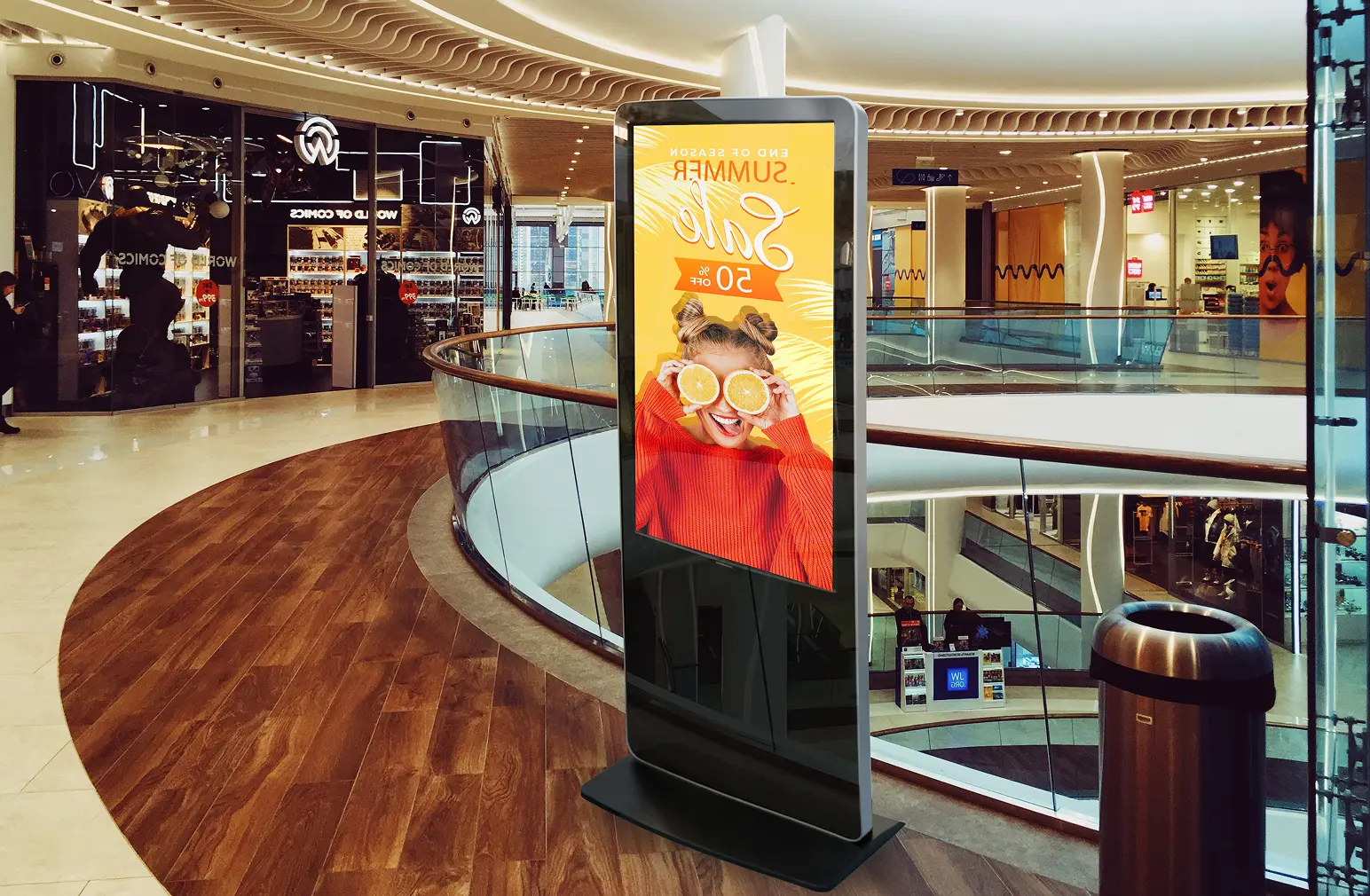
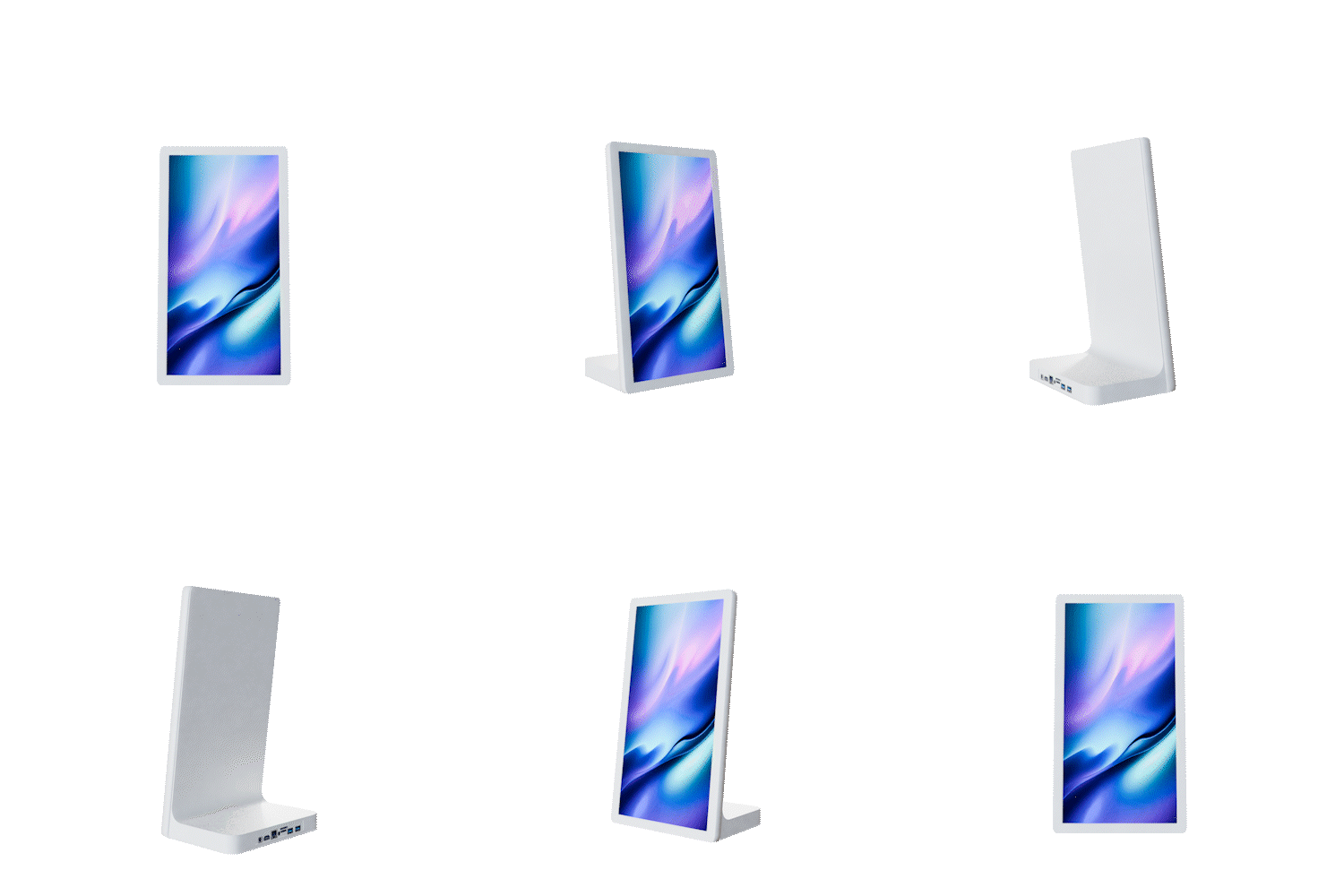
Table Top Display
Product Features
Advanced Touch Interaction
Features a 10-point capacitive touch screen that allows for smooth and precise user interaction. It is ideal for engaging customers directly at counters or tables.
Compact and Powerful Hardware
Equipped with 1GB RAM and 8GB internal memory to handle your media smoothly. The system supports a wide range of audio formats, including MP3, WMA, and AAC.
Smart and Adaptive Performance
Runs on the Android 11 operating system with an integrated brightness sensor. This ensures the display automatically adjusts to the lighting in your environment for the best visibility.
Flexible and Durable Design
Available in versatile monitor sizes of 8″, 10.1″, and 15.3″. The unit is built with different IP protection degrees to ensure durability in various commercial settings.
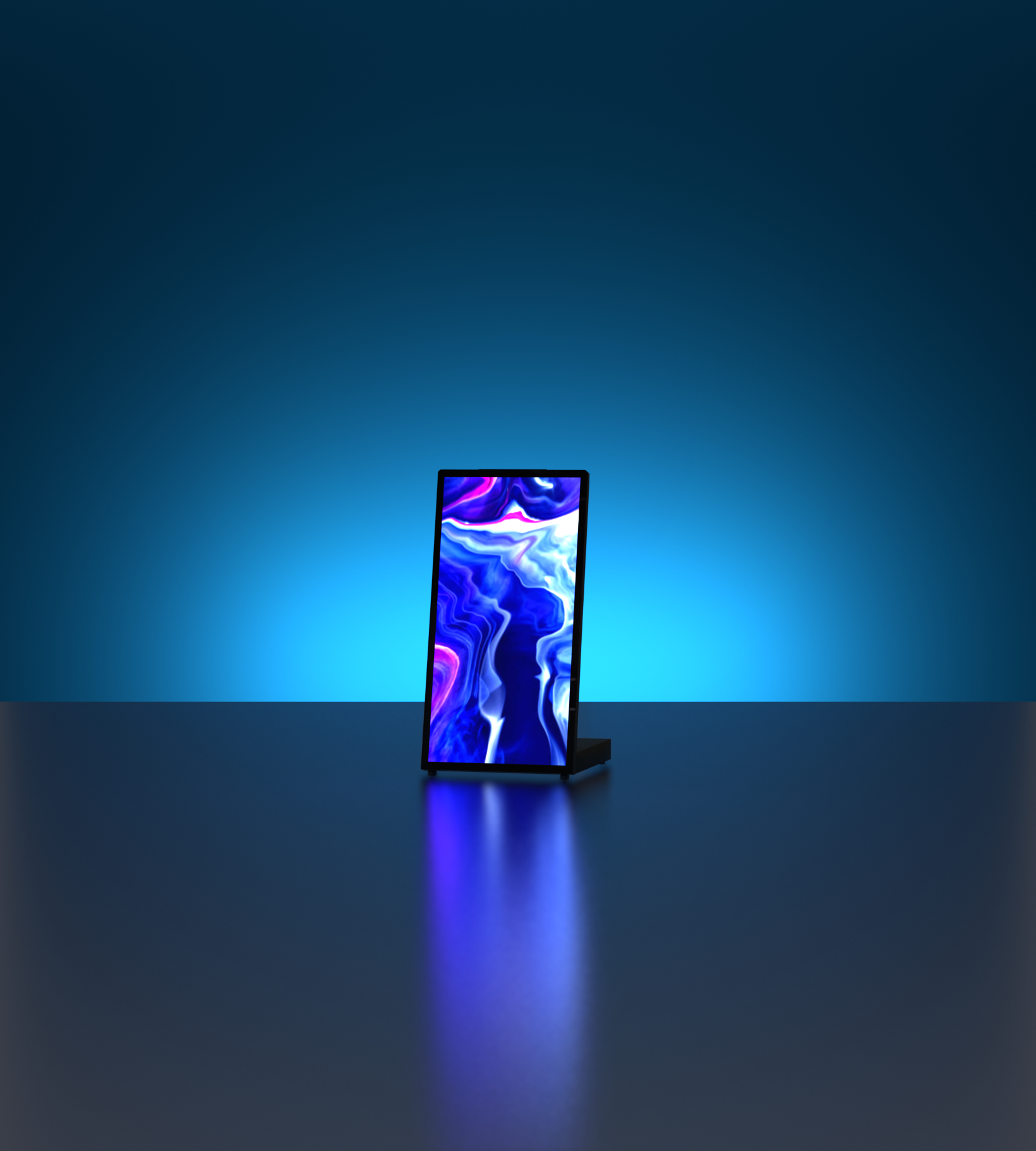
Compact Visibility
Table top displays deliver clear, high-visibility content in a compact format, making them ideal for counters, reception areas, and close-range engagement. With consistent display quality, your content remains sharp and easy to view in any indoor setting.
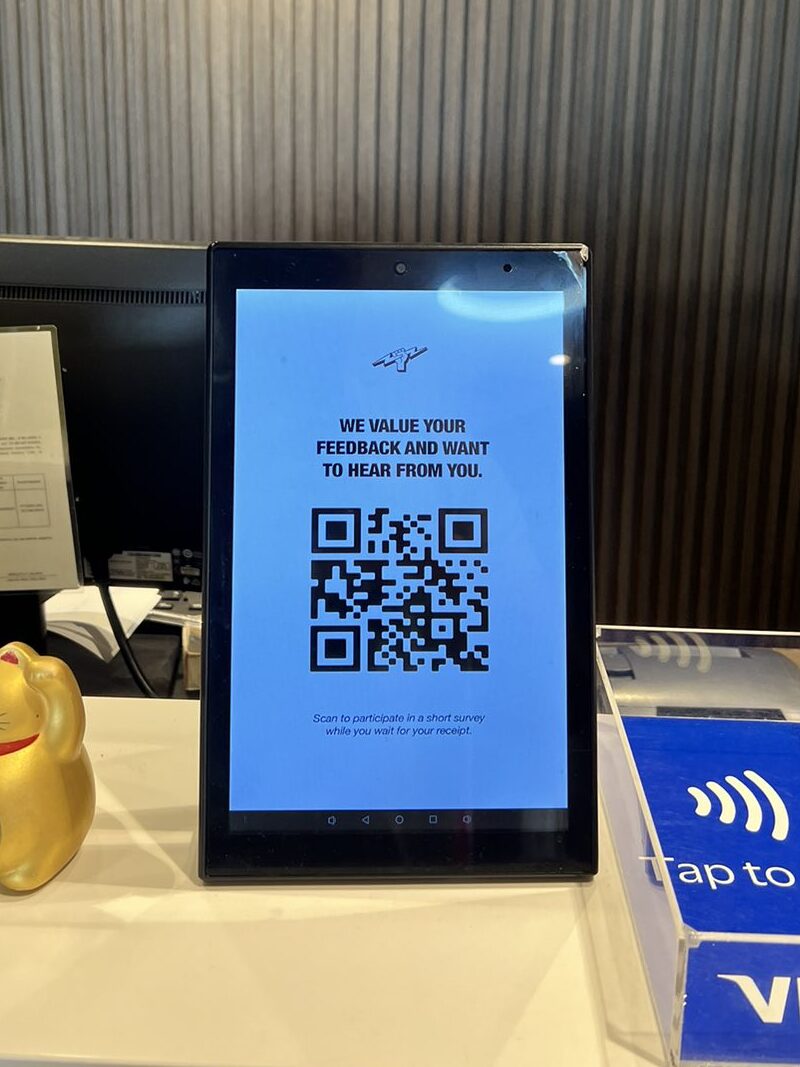
Easy Deployment & Low Maintenance
Designed for quick setup, table top displays run on an Android system with content managed via USB or CMS. Their compact build and stable performance make them easy to deploy, update, and maintain across multiple locations.
Compact Design
Designed for tight spaces like counters and desks without compromising visibility.
Quick Setup
Android-based system allows fast deployment via USB or CMS.
Low Maintenance
Built for stable, indoor operation with minimal upkeep required.
Download the Brochure
What type of display panel is used?
The table top display uses a high-resolution LCD panel in 10.1” and 15” configurations, running on an Android-based system for stable and efficient content playback.
What are the available screen sizes and configurations?
It is available in 10.1-inch and 15-inch formats, allowing deployment across different space requirements while maintaining consistent display performance and clarity.
How is content managed and updated?
Content can be updated via USB or through a CMS platform, depending on the setup. The Android system supports flexible content delivery for both standalone and network-based deployments.
Is the system designed for continuous operation?
Yes. The unit is built for indoor, continuous use, with components designed to support stable playback while maintaining display performance over extended operating hours.
What makes this solution easy to deploy and maintain?
- With its Android-based system, compact form factor, and plug-and-play setup via USB or CMS, the display allows for quick deployment with minimal configuration. Its design also supports low maintenance, making it suitable for scalable rollouts.