
Interactive Board
Product Features
High-Resolution Touch Display
Delivers crisp, vibrant visuals with ultra-responsive touch technology making writing, drawing, and presentations seamless and natural.
Collaborative Design
Supports real-time annotation, multi-user interaction, and wireless screen sharing—perfect for classrooms, meetings, and training sessions.
Reliable Commercial Display
Engineered for daily use with consistent brightness, durable panels, and dependable performance in both education and corporate settings.
Scalable Interactive Solution
Available in multiple sizes from 55” to 86” to suit small classrooms, office meeting rooms, or large conference halls.
Smart Features
Interactive boards come with built-in whiteboard tools, cloud storage access, and app integration making it easy to save, share, and revisit content. Whether for digital lessons in classrooms or collaborative projects in the office, smart features streamline the workflow and eliminate the need for extra devices.
Enhanced User Experience
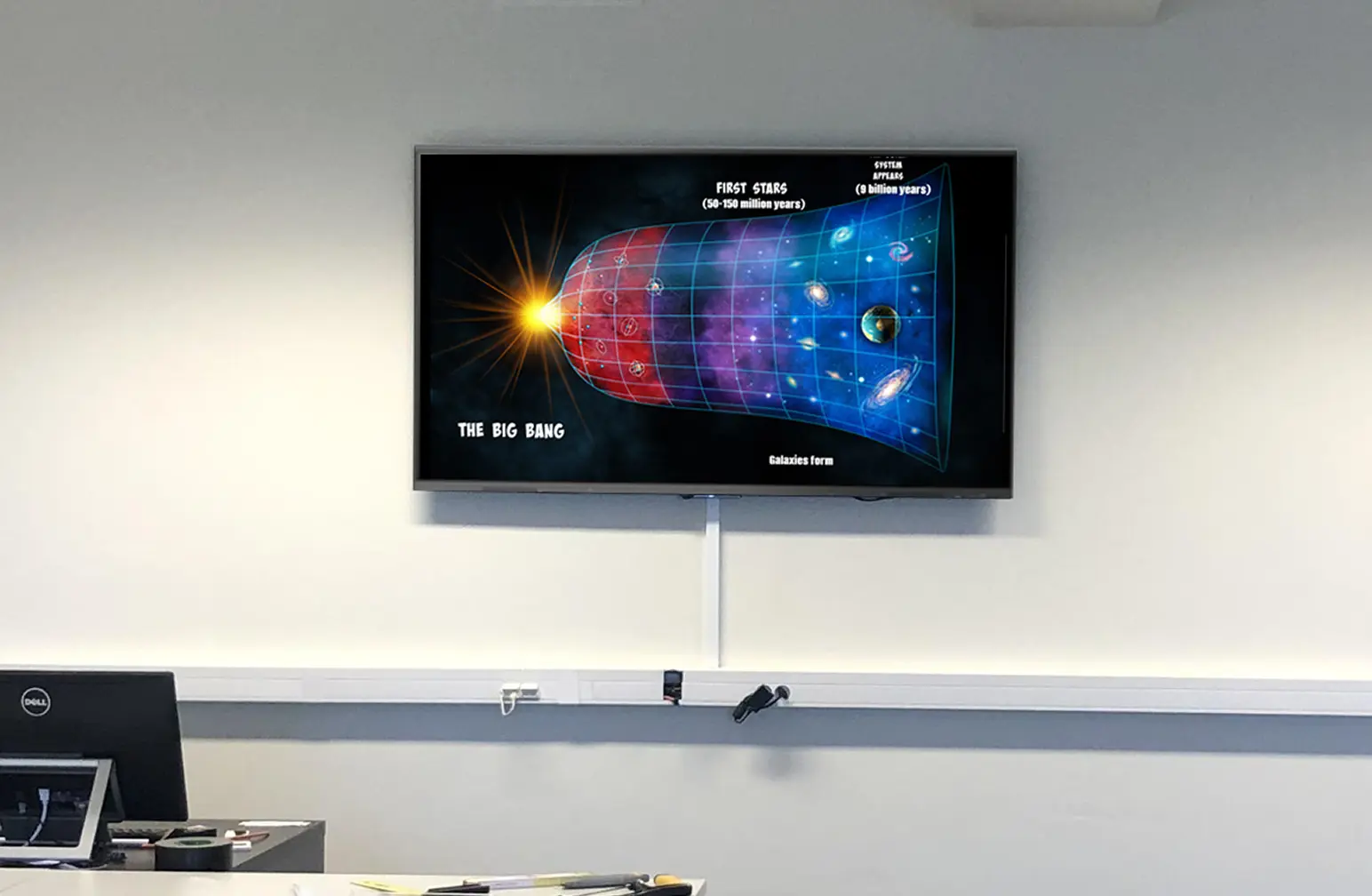
Designed with an intuitive interface and ultra-responsive touch technology, interactive boards provide a natural pen-to-paper feel. Writing, drawing, or navigating is smooth and precise, ensuring teachers, students, and professionals can focus on ideas rather than the tools.
Customization
Brand-aligned UI/UX for consistent customer experiences
Future-Ready
Scalable software for evolving tech trends
Security
Enterprise-grade data protection standards
Download the Brochure
How does it work?
Interactive boards combine:
-
- A touchscreen panel
- Built-in computer or external PC input
- Digital whiteboarding tools
- Wireless screen sharing
Mediacast provides after-sales support for all installations.
What sizes are available?
55”, 65” 75”, 86”. These are ideal for classrooms, training rooms, and conference rooms. Larger custom sizes are available upon request.
Can multiple people write on it at the same time?
Yes. With 20-point multi-touch, several users can interact at once—perfect for brainstorming sessions, classroom activities, and collaborative workshops.
Where can interactive boards be used?
-
- Schools and universities
- Conference and boardroom
- Training centers
- Studio classrooms
- Collaborative workspaces
Does it require heavy maintenance?
Very minimal mainly screen cleaning and occasional software updates. Hardware service is fast and straightforward.